Steam Workshop
Use Workshop first for the safest current discovery path.
Workshop use is official, but item quality and compatibility can still vary.Mods and Workshop
If you want the safest start, begin with Steam Workshop and the in-game mods path first, then treat external downloads as a separate higher-risk choice.
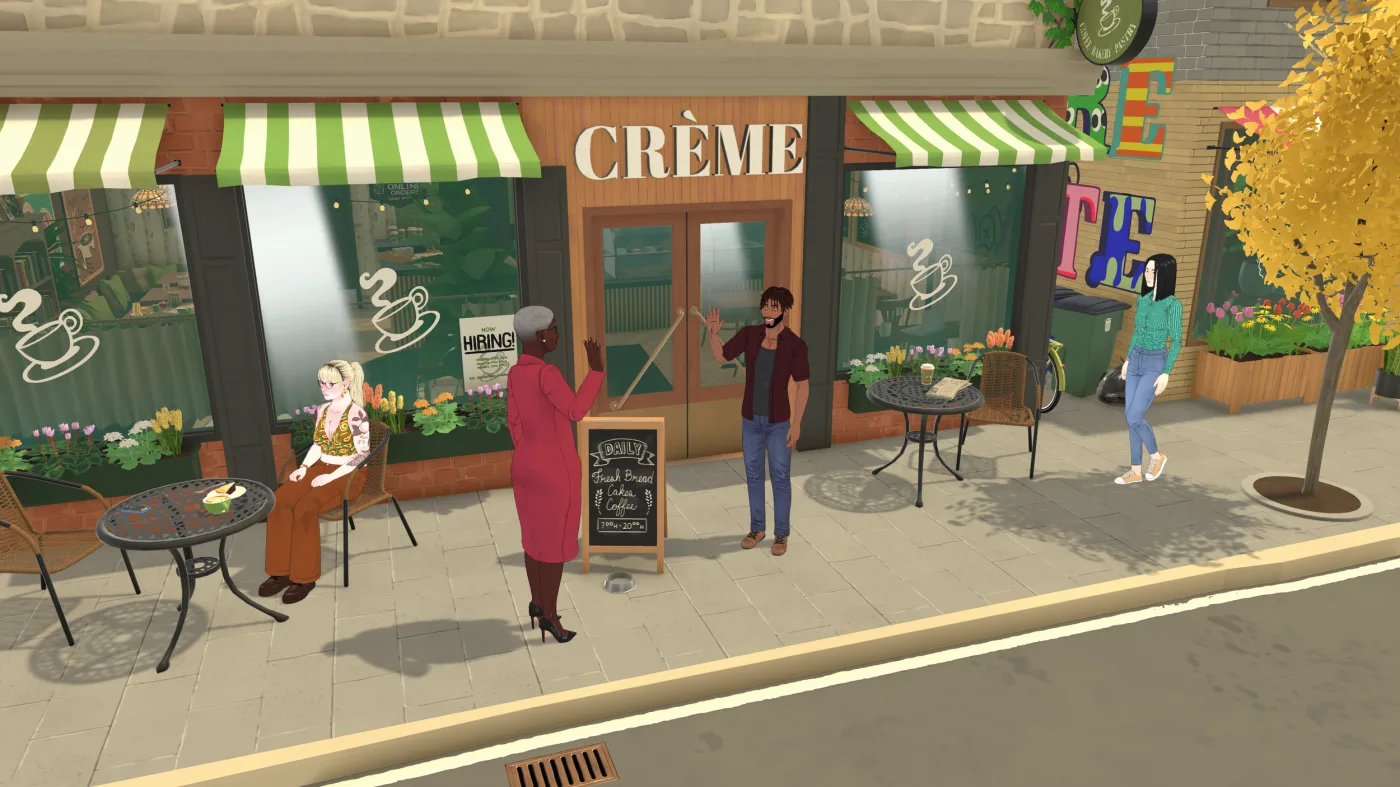
Start in the game and on Steam first. The safest current path is Steam Workshop plus the in-game mods area, not random downloads from Nexus, CurseForge, or social posts.
Use this table if you want the fastest current answer to where mods live and how cautious you need to be.
| If you want... | Start with | What to do | Boundary |
|---|---|---|---|
| The safest mod path | Steam Workshop | Browse Workshop items first before touching external downloads. | Workshop is the official sharing path, but not every item will be equally polished. |
| To see or manage installed content | The in-game mods area | Check the current build for the mods path, installed content view, and on/off controls. | Exact layout can change during Early Access. |
| To create your own mod | Look for current labels such as `Modding Tools`, `My Mods`, and `Create New Mod`. | Use the current reported in-game path before inventing a manual file workflow. | These are current-reported guideposts, not a first-party stable UI walkthrough. |
| To fix a mod that does not appear | Workshop status and the in-game mods path | Check download status, creator notes, restart, then disable or remove the newest item first. | Do not jump to random third-party fixes too early. |
| Mods stopped after a patch | One-mod rollback, toggles, and Steam checks | Disable or unsubscribe the newest item first, restart, recheck the in-game mods area, then verify Steam files if the problem looks broader. | Current player reports are mixed; do not assume one workaround fixes every setup. |
Current launch-week guides point to in-game labels as recognition clues before a pure manual-file workflow.
Use this order if you want mods without turning your setup into a mess on day one.
Browse Workshop items first before you trust search-engine download results.
Confirm the item shows up in the current in-game path before stacking more downloads.
Install one thing, test it, then move on so you know what caused a problem.
Check version notes, known issues, and uninstall instructions before you commit to a mod.
Check Workshop download status, restart the game, inspect the current in-game mods path, and disable the newest item before trying riskier fixes.
Recent player reports include Workshop items not showing or stopping after patches. Use this low-risk order before you copy folders or reinstall anything.
If it is missing from the in-game mods area, treat that differently from a mod that appears but breaks in play.
Turn off the newest item, restart, and test again before you disable a whole collection.
Some current player samples mention resubscribing or toggling Workshop items, but results are mixed, so test one item before doing this to everything.
Use Steam's safer repair checks before deleting folders or reinstalling the game.
Manual folder-copy workarounds appear in community reports, but they should stay a last resort because they can create version and cleanup problems.
The word mods can still mean very different things. Keep the official path separate from the higher-risk paths.
Use Workshop first for the safest current discovery path.
Workshop use is official, but item quality and compatibility can still vary.Look for current paths such as `Modding Tools`, `My Mods`, and `Create New Mod` before guessing at manual steps.
Exact interface layout may change during Early Access.Do not build your setup around script mods right now.
Current sources do not support treating script mods as a stable required path.Treat Nexus, CurseForge, Patreon, and similar pages as optional higher-risk paths after Workshop.
They are not the default official starting path.External sites are not automatically unsafe, but they should come after the Workshop-first path, not before it.
Yes. Steam Workshop is still the safest current sharing path to start with.
Current launch-week guides point players to the in-game mods path and tool flow rather than straight to a manual-file workflow. Look for the current mods area before assuming you need to drop files somewhere by hand.
Yes, current sources point to labels such as `Modding Tools`, `My Mods`, and `Create New Mod` as reported guideposts for making and uploading your own work. Treat the exact interface as Early Access UI that can change.
They should be treated as third-party paths, not as the default official starting point.
Check Steam download status, restart the game, inspect the current in-game mods path, read creator notes, and disable the newest item first. If the problem started after a patch, use safer Steam checks before copying folders or reinstalling.
No. This page does not treat script mods as a stable required setup path right now.
Use this to separate current mod support from planned Early Access updates.
Use this when custom content overlaps with objects, placement, rooms, or build tools.
Use this if Workshop or mod friction is happening on Steam Deck, where storage, updates, and input comfort can add extra variables.
Return to the main guide hub for Steam Deck, money, cheats, and other Early Access topics.