Keep Official Platform Facts Separate
PC and Mac are the official requirements targets here. Steam Deck is still a practical compatibility question, not a replacement for those facts.
Steam Deck compatibility
Current player samples are enough to justify a cautious short Steam Deck test, but only as a mixed Early Access compatibility result: Steam still lists compatibility as Unknown, and controls, stutters, and setup comfort vary.
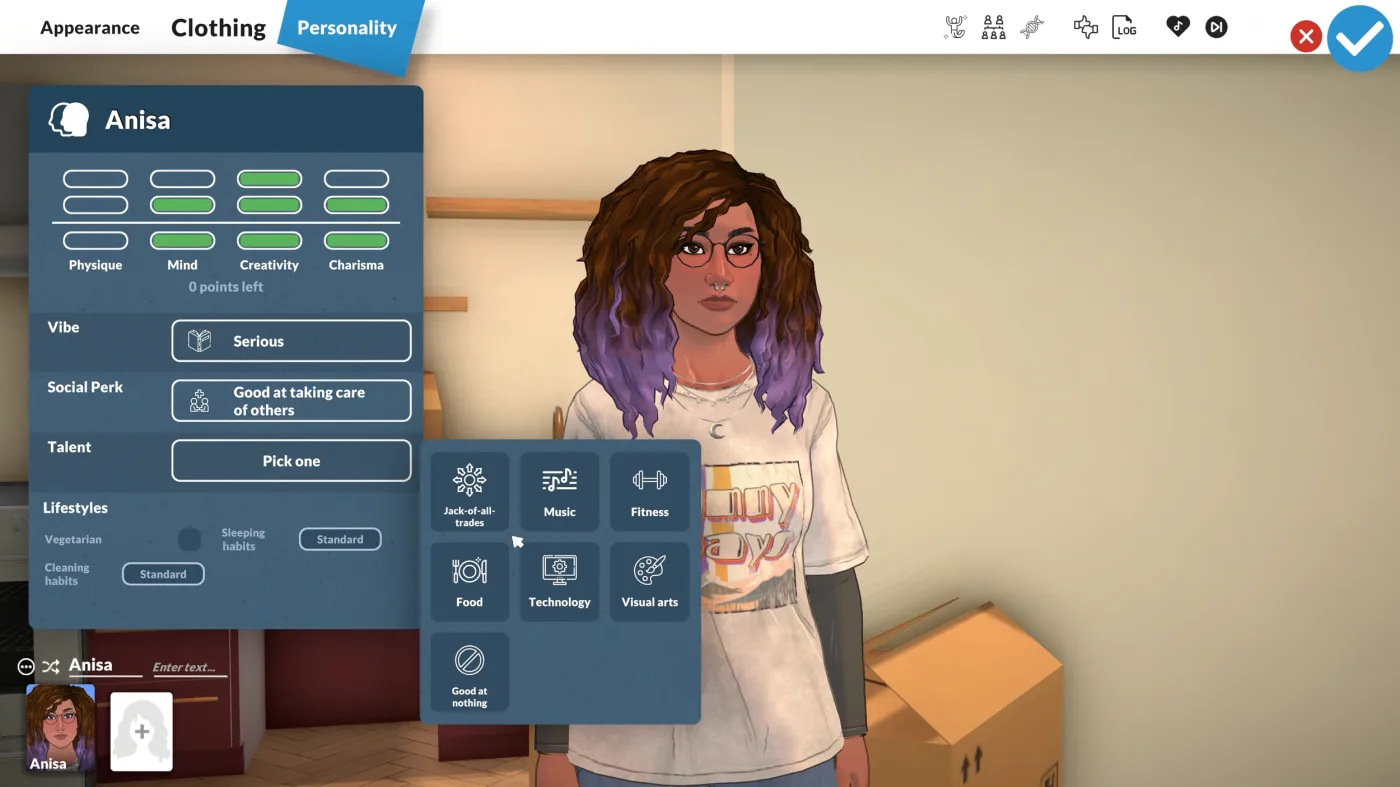
There are enough current player samples to justify a cautious short Steam Deck test, but not enough to describe it as a smooth universal handheld experience. Current reports show the game can run for some players, while controls, loading, stutters, and scene complexity still matter.
Use this table when you want the practical answer before you start tuning settings.
| Question | Current best answer | What to expect | Boundary |
|---|---|---|---|
| What does Steam say? | Steam currently shows Steam Deck Compatibility as Unknown. | Treat the label as not-yet-settled rather than as Verified or Playable. | Checked 2026-06-05; Steam labels can change. |
| Can it run at all? | Current player samples show Paralives running on Steam Deck. | Playable for testing, not a guaranteed smooth launch for everyone. | This is based on current player samples, not an official Steam Deck support claim. |
| Is performance settled? | No, current reports are mixed. | Some players describe a mostly fine experience, while others report dips, stutters, or 20-30 FPS ranges in tougher scenes. | Do not treat one FPS report as a universal expectation. |
| Are controls comfortable? | Sometimes, but they are not effortless for everyone. | Default controls may work, but custom layouts, trackpads, or docked mouse and keyboard can help. | A game can run and still feel awkward in handheld play. |
| Should you test it now? | Only if you accept Early Access rough edges and test carefully. | A short save, a settings pass, and a controls pass give the clearest answer fastest. | If you want a guaranteed polished handheld experience, wait longer. |
These are current sample directions, not locked recommendations.
Use these checkpoints before you decide Steam Deck is fine, bad, or not worth it.
PC and Mac are the official requirements targets here. Steam Deck is still a practical compatibility question, not a replacement for those facts.
Town centers, loading between lots, and more active scenes can behave very differently from lighter moments like menus or Paramaker.
A setup is not really working if camera, rotation, typing, or Build Mode feel slow or awkward.
Docked mouse and keyboard or an external monitor can change the experience enough to be worth testing separately.
Use this sequence if you want the fastest honest answer without wasting a long save.
Do not judge Steam Deck compatibility from the idea of the game alone. Use a small save before committing to a longer session.
Camera control, menu navigation, Build Mode, and text comfort matter just as much as launch success.
If a scene feels heavy, reduce graphics load before deciding the whole game is a bad Deck fit.
Trackpads, custom layouts, or hold-to-repeat style changes can matter more than one small graphics tweak.
For some players, mouse and keyboard or an external display is the difference between playable and frustrating.
These are the lowest-risk setup changes to test before you give up on handheld or docked play.
Some current players report that the default layout is usable after a short adjustment period.
Trackpads can help with camera movement, placement, and other precision-heavy actions.
Some current players are sharing custom layouts, which may help if default controls feel awkward.
Build Mode, menus, and text-heavy play can feel much better when docked.
The official requirements targets here are still PC and Mac, and Steam currently shows Steam Deck Compatibility as Unknown. Treat Steam Deck as a current compatibility question, not as a named official platform claim.
There are enough current player samples to justify a cautious short test if you accept a mixed Early Access result. Current reports show it can run for some players, but comfort and performance still vary enough that you should test before committing to a long save.
Expect a range instead of one answer. Current samples include both mostly fine handheld play and rougher `20-30 FPS` style reports with dips or stutters in heavier scenes.
Some players find them good enough, while others find them awkward. Default controls can work in some samples, but custom layouts, trackpads, or docked input may improve the experience.
Test both if you can. Handheld is convenient, but docked mouse and keyboard may be much better for Build Mode, menus, and longer sessions.
That usually means controls, scene complexity, text comfort, or loading friction are the real problem. Treat those as part of compatibility instead of only chasing a launch success check.
Use the Build Mode guide when input comfort, camera movement, rotate, resize, or placement is the real problem.
Compare the current official Windows and macOS requirements before you decide whether Deck performance is a device issue or a broader spec limit.
Return to the main hub for mods, money, cheats, and other Early Access guides.